
Full Body
5 · 10 · 15 · 20 minutes
Pick an area. Choose your time. Follow a routine with different movements, clear demonstrations and a timer that keeps things simple.
 Your time. Your routine.
5 · 10 · 15 · 20 minutes
5 · 10 · 15 · 20 minutes
5 · 10 · 15 · 20 minutes
5 · 10 · 15 · 20 minutes
5 · 10 · 15 · 20 minutes
5 · 10 · 15 · 20 minutes
Longer routines introduce more movements, rather than repeating the same two stretches. Follow 5, 8, 10 or 12 different movements, depending on your chosen duration.
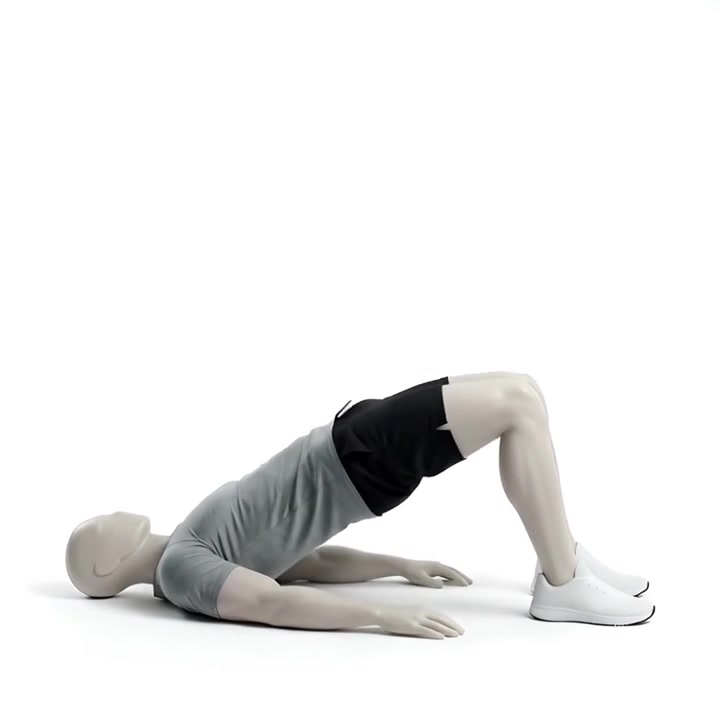
Three examples from the in-app movement library. In the app, these become timed routines you can add to your training calendar.
Move smoothly. Lift and lower with control.
Choose a comfortable range and switch sides.
Follow a gentle rhythm through each movement.
Open the workout library, choose Mobility and select your routine. Preview the movements, then choose a day to add it to your plan.
Follow the timer, pause when you need to and switch sides when prompted. Running, lifting and mobility stay in the same calendar.
See the rest of the app1Choose your area
2Pick 5, 10, 15 or 20 minutes
3Add it to your training week
For iPhone. Mobility arrives with the next approved update.
Explore the training journal